Reading the door: level, health, upgrade, repair
4 min read
DoorRepairUpgrade
Open the door panel, read level, health, and price. After you tap, check that the door actually changed.
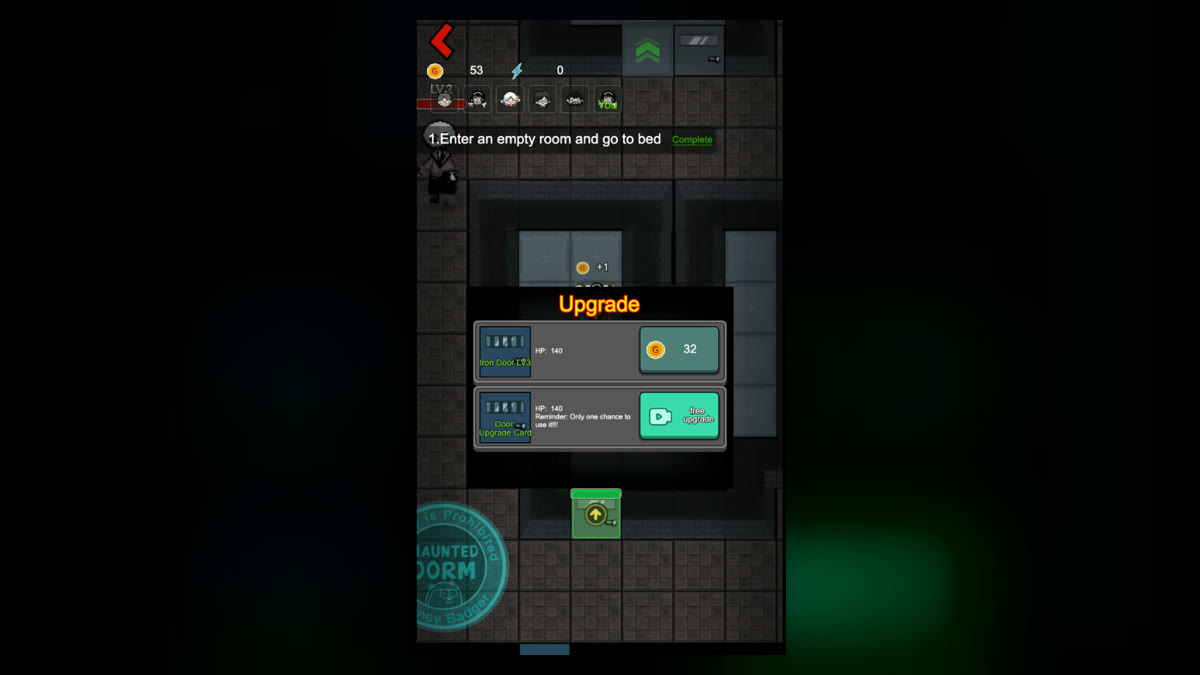
The panel shows level, health, a coin price, and another button with a video icon. When a ghost is hitting the door, close unrelated windows, then tap the door and read those.
After upgrade or repair, close the panel and look at level and health again. Whether the video button is available is whatever it is at that moment — don't assume it's always there. One screenshot won't tell you how many hits are left. Current health and price are more useful.